
Embed a macro in another macro
You can configure a macro to run another macro. An embedded macro is called a child macro.
- On the Navigation toolbar, select Layout Designer
 .
. - In the Layout Designer pane, in the Projects section, select the macro that you want to edit.
The macro opens on the design surface.
- In the tree, drag and drop the macro that you want to embed onto the design surface.
The NewMacro dialog box is displayed.
- For Label, type the name that you want to display for the macro on the design surface.
- For Comments, type any notes that you want to associate with the macro.
- If you want to perform the macro function on each record returned by a query, configure the macro to run as an iterator.
-
Click OK.
The macro is displayed.
 Parent and child macros must be within the same app.
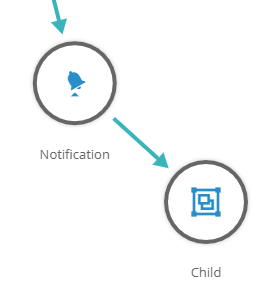
 - Create a link from an action to the macro.
- Save the macro.
Last modified: Friday May 12, 2023